Types along
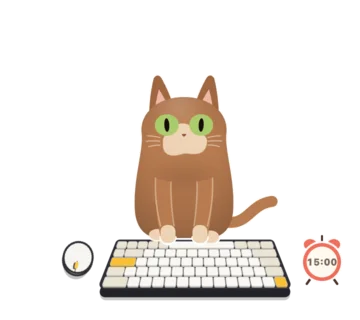
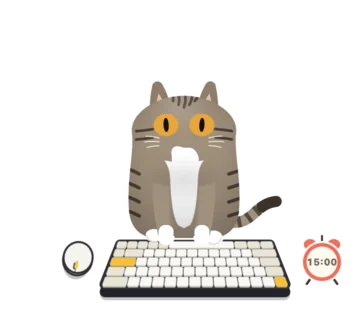
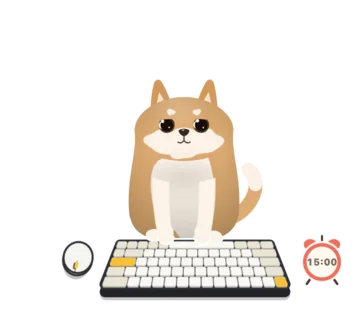
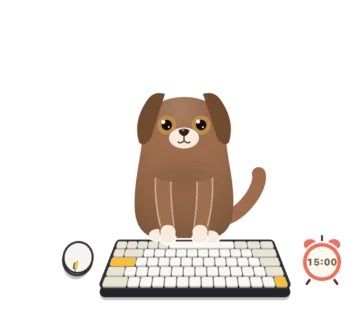
Every key you press, its paw presses too, and the little key lights up — fast typists get a busy pet
A desk pet for your Mac
PetPals is a little cat, dog, pig or bear behind a tiny keyboard on your desktop — press a key and its paw presses the same key, pat its head and it melts, step away and it curls up for a nap
One payment · up to 3 Macs · macOS 15 or later
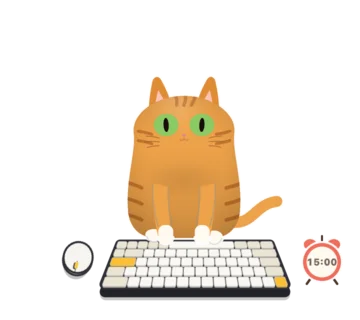
Psst… type something
keys typed 0
What it does
Every scene below is drawn by the real app, running natively on your Mac with no browser or account needed
Every key you press, its paw presses too, and the little key lights up — fast typists get a busy pet
Rub its head with the pointer and it squints, wags and sparkles
Leave it alone for a minute and it curls up with a few Zs, a keypress wakes it
Click the tomato clock to focus — when time’s up it rings and your pet points at it
Move your mouse and it grabs its own, eyes following your pointer
Typing a password? Its paws go up over its eyes until you’re done
Play a song and on go the headphones, nodding to the beat
A few minutes before an event it holds up a little calendar card
Drag it by the scruff to any corner of your screen, it dangles adorably, clock and all
Meet the gang
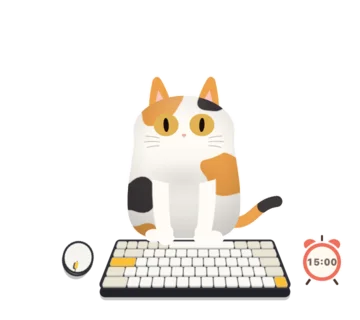
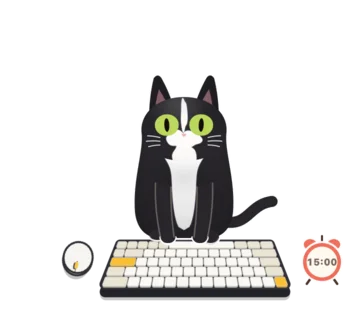
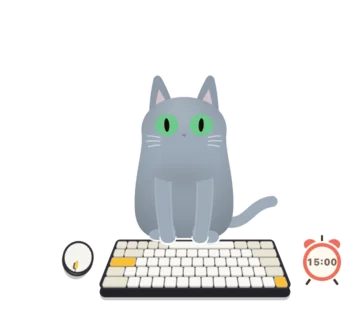
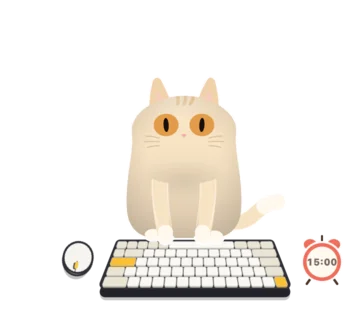
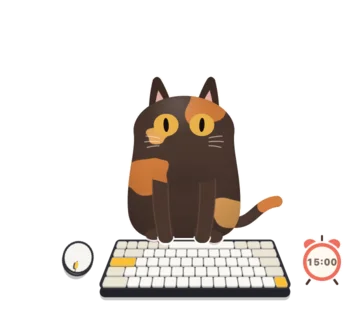
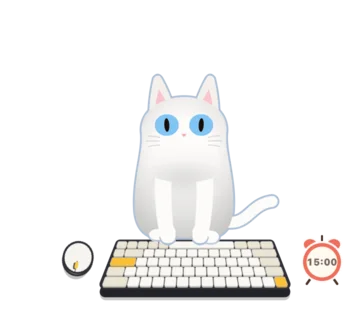
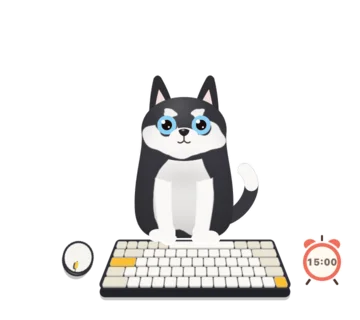
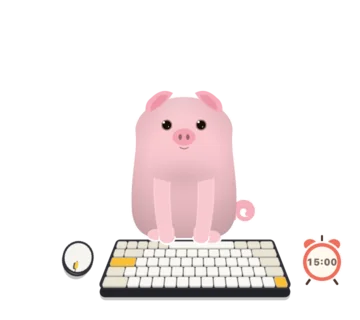
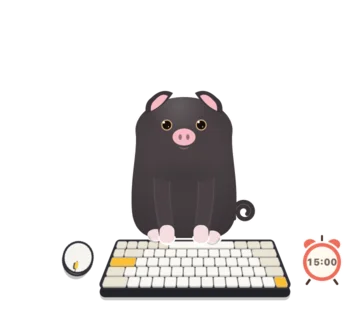
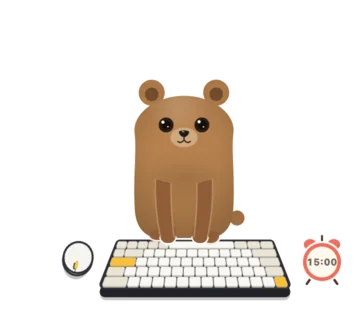
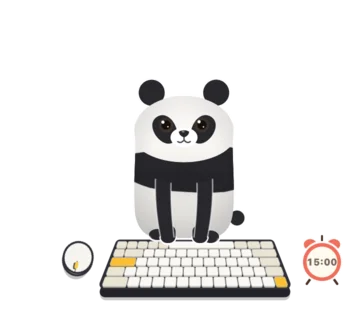
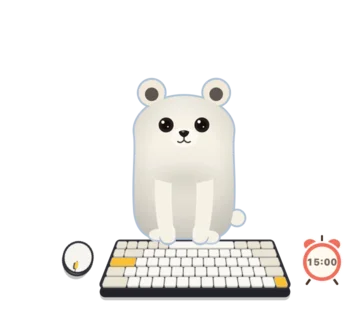
Cats, dogs, pigs and bears, each with its own ears, face and tail — switch any time from the menu bar
Privacy
PetPals needs Input Monitoring so its paws can follow yours — here is exactly what that means
Read the full privacy policy →PetPals only uses which key you pressed to move a paw — nothing you type is saved, logged or sent
When macOS turns on Secure Input for a password field, your pet looks away until you’re done
Turn off the floating keys with one click before you share your screen
Native Swift and Core Graphics, no browser inside, and it slows down when it naps
One price, forever
PETPALS · KOMKAT STUDIO
TOTAL$4.99
Paid once · no subscription · thank you!
macOS 15 or later · Apple silicon and Intel · paste your key from the purchase email to start
Questions
Any Mac with macOS 15 or later, Apple silicon or Intel
So the pet can see which key you pressed and move the matching paw — until you allow it, the pet shows an orange "Allow keyboard access" button that opens the right page in System Settings
No, key presses only move the paws and light up the little keyboard, in memory — nothing you type is written to disk, logged or sent anywhere, and the app goes online only to check your license and for updates
Your license key arrives by email right after checkout — download PetPals, open it and paste the key, and the pet hops onto your desktop
Yes, one key works on up to 3 Macs, and you can free a Mac from Settings › License
Turn on "Clicks pass through the pet" in Settings, or drag it to a quiet corner of the screen
Yes: Settings › Focus › "Show the desk clock", and the timer still works from the pet’s menu
Something else? Ask on 𝕏 @dzungngminh